
Blue Team Analyst Programme
Twenty-six live, tutor-led classes that prepare you for a first role in a Security Operations Centre.
- Level1 to 2
- Live classes26, two hours each
- Classroom time52 hours
- Modules12
- Before you startNo experience needed
Learn, practise, prove
- LearnLive classes with your tutor: 1 hour 45 minutes of teaching, then your questions. Every class is recorded.
- PractiseHands-on labs in your own tenant, with setup guidance from your tutor.
- ProveAssignments marked by your tutor, with written feedback. Pass them for your verifiable badge.
What you will be able to do
- Work a live alert queue in Microsoft Sentinel: triage by severity, separate true positives from noise, and escalate with case notes somebody else can act on.
- Write KQL to search and correlate events across identity, endpoint, email and network data.
- Investigate a compromised account in Entra ID – risky sign-ins, impossible travel, and the correct containment action.
- Take a Defender for Endpoint alert from process tree to isolation decision, and justify the decision either way.
- Analyse a reported phishing email properly: headers, message trace, quarantine, and the indicators that make it business email compromise.
- Run a vulnerability scan, prioritise the output with CVSS, EPSS and asset criticality, and track remediation to closure.
The curriculum – 12 modules, 26 classes
01Cyber Security Fundamentals
The threat landscape and the attack lifecycle. CIA triad, defence in depth, least privilege. NIST CSF, CIS Controls and MITRE ATT&CK as the frameworks you will actually use.
02IT & Cloud SOC Fundamentals
How a SOC is structured – tiers, escalation, MTTD and MTTR. Azure and Microsoft 365 tenant structure, shared responsibility, and which services produce the telemetry you read.
03SIEM & SOAR Operations
Microsoft Sentinel end to end: connectors, KQL, analytics rules, incident investigation, triage method, false-positive tuning and playbooks.
04Identity & Access Monitoring
Entra ID operations, Identity Protection, suspicious sign-ins and impossible travel, and containing a compromised account.
05Endpoint Monitoring
Defender for Endpoint alerts, process trees, living-off-the-land and PowerShell abuse, device compliance, and isolation.
06Network & Firewall Monitoring
Protocols and trust zones, firewall and NSG logs, DNS anomalies, packet analysis in Wireshark, and firewall-led investigation.
07Email & Phishing Investigation
What SPF, DKIM and DMARC failures tell you, Defender for Office 365 submissions, header forensics, message trace, quarantine and BEC indicators.
08Vulnerability Management
Scanning, reading the output, prioritising with CVSS, EPSS and asset criticality, and tracking remediation with the teams who own the fix.
09Threat Intelligence Monitoring
Defender Threat Intelligence, feeds and IoCs, and escalating what is actually relevant to your organisation.
10Compliance Monitoring
How ISO 27001 and NIST requirements land on daily tasks, Intune device compliance, and collecting audit evidence.
11Incident Management
Severity and priority, PICERL at analyst level, ITSM platforms (Jira, ServiceNow, Halo), and case notes and handovers.
12GenAI & AI Security Monitoring
Using Security Copilot in triage and knowing what still needs verifying – and monitoring the AI itself: inherited permissions, prompt injection and Purview DSPM for AI.
What is included
- Live, tutor-led teaching
- Every session recorded
- Hands-on labs in your own tenant
- Six months’ lab access after you finish
- Assignments marked by your tutor
- CV rewrite and LinkedIn optimisation
- Mock interviews
- Job feed while you are registered
- Verifiable certification badge
- Support after you are placed
What is not included
- Microsoft licence or Azure consumption costs in your own tenant. The labs are designed to run on trial and free-tier services wherever possible.
- Third-party examination fees, such as Microsoft certification exams.
- Your own equipment and internet connection.
Certification
To earn the MCW Certified Blue Team Analyst badge you attend at least 80% of classes and pass every assignment, each handed in by the final class. Everyone who completes the classes also receives a Certificate of Course Completion, which confirms the programme and the hours you attended. The badge is MyCyberWay’s own verifiable credential. It is not a regulated or accredited qualification, and it is not a Microsoft certification.
Paying
The price here is the full programme fee, paid in full at checkout. To spread the cost, choose PayPal at checkout: PayPal may offer Pay Later, subject to its own checks.
What happens after you buy
- You get an order confirmation by emailStraight away.
- We agree your start date and scheduleClasses run 2–3 times a week, arranged around your job.
- Your learning portal opensSign in with your MyCyberWay account. Once you are in your batch, your classes, Teams links, recordings, labs and quizzes are all in the learning portal.
- Your tutor gets your labs ready with youSetup guidance for your Azure and Defender tenants comes before the modules that need them.
We do not guarantee employment, a particular salary, or a pass in any third-party exam. Outcomes depend on your own effort, your background and the job market – what we can promise is the teaching, the feedback and the support described above.
Free learning resources
A few free, official links to start on now. Links to other sites open in a new tab.
A feel for the job
- MITRE ATT&CK (opens in a new tab)attack.mitre.orgThe shared map of attacker tactics and techniques used in every SOC.
- NCSC phishing guidance (opens in a new tab)ncsc.gov.ukHow organisations defend against phishing, layer by layer.
- Microsoft Sentinel documentation (opens in a new tab)learn.microsoft.comThe SIEM you work in throughout the programme.
When you enrol
The full library for this programme, section by section and chosen by your tutors, is waiting in the learning portal, alongside your classes.
Questions people ask first
Anything else, ask us. A person replies.
How is this different from Blue Team Specialist?
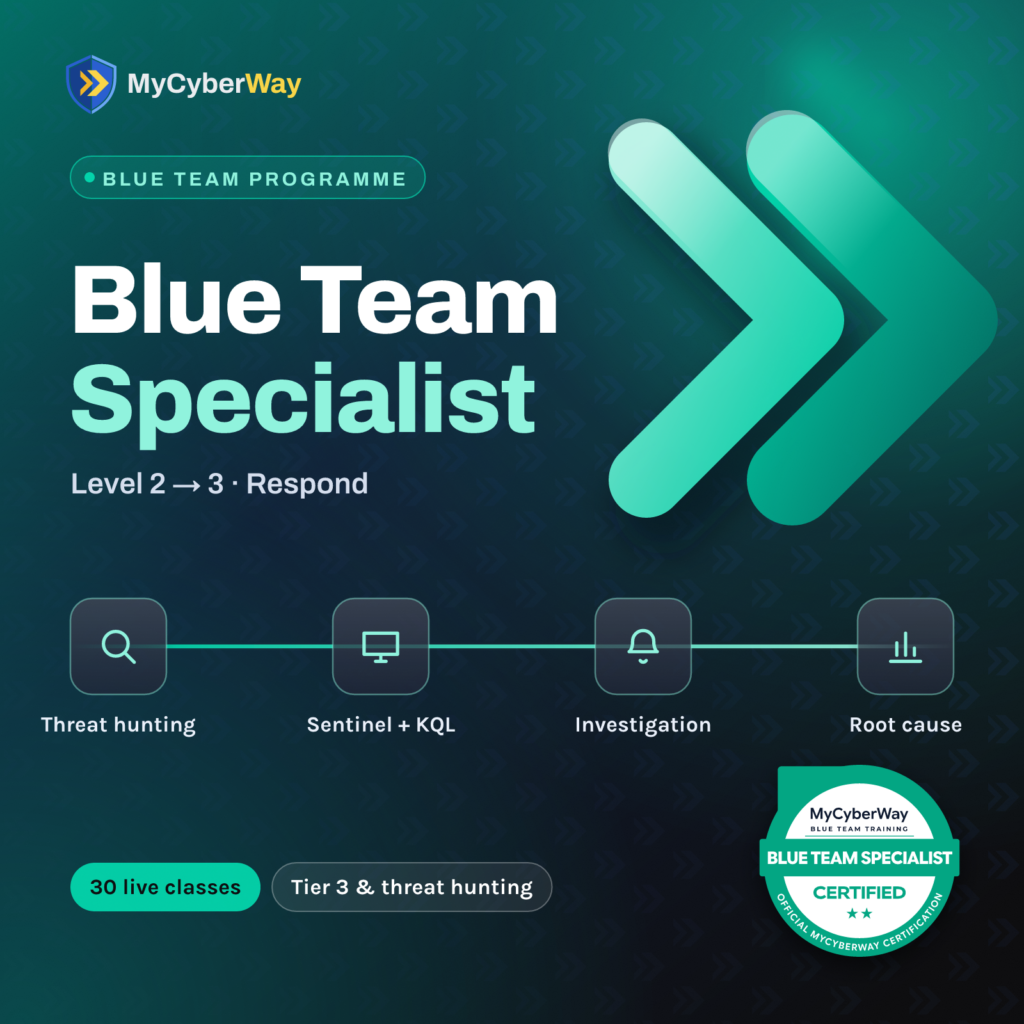
Specialist is this programme plus four classes: Security Investigations, an Advanced Threat Hunting Workshop, Breach Analysis, and Root Cause Analysis & Reporting. The first 26 classes are identical. Those last four are the difference between working the queue and owning the investigation – between a Tier 1 or 2 analyst and the Tier 3 specialist the hard cases go to. Start here and you can add them later for £180.
Do I need security experience to start?
No. This is the entry point and it is built for people with none – students, graduates and career changers from outside IT. You need comfort using a computer, a willingness to learn and about 20 hours a week; networking and cloud basics are taught in the first two classes. Still unsure? Book the fit call and we will tell you straight.
Do I need a certification like Security+ first?
No. Many students arrive with one and no practical experience – exactly the gap this programme fills. Others arrive with neither. Both work.
What do I need for the labs?
A Microsoft Azure subscription and a Defender trial tenant – the free tiers are enough – and any machine that comfortably runs a browser. We send setup guidance before the modules that need them. Your lab stays open for six months after the programme ends, so you can keep practising while you job hunt.
What happens if I miss a class?
Every session is recorded and shared. Give 48 hours’ notice to reschedule and there is no charge. Attendance below 80% affects eligibility for the badge and for the Certificate of Course Completion.